Primary footage for squad movement, anomaly pressure, diegetic UI, and extraction pacing.
Beautiful Light high-value guide
Beautiful Light Playtest: Access & Demo Status
Steam currently accepts Beautiful Light Playtest access requests, while Epic and Deep Worlds point players to official signup channels for future tests.
Verified status
Beautiful Light playtest access
Steam currently offers a Beautiful Light Playtest access request. Epic and the studio site direct players to Discord or the studio signup for playtest news; access is not guaranteed.
- Steam
- A Playtest access-request control is currently visible; acceptance is controlled by the developer.
- Epic
- The listing directs players to the official Discord for development updates and organized playtests.
- Studio site
- An upcoming-playtest email signup is available; no open public demo is announced.
| Main keyword | Beautiful Light Demo Playtest Tracker |
| Search intent | Demo and playtest availability |
| Primary source | Steam store page |
| Update trigger | Official source change, new public trailer, demo access, or launch build |
Access status
There is no broadly available public demo confirmed on the checked official pages. Steam currently exposes a Playtest access request, while Epic and the studio site direct players to Discord or an email signup for future playtest news. A request or signup does not guarantee access.
What a demo should clarify
The first useful hands-on build should answer questions about movement feel, squad communication, anomaly pressure, route readability, performance, accessibility settings, and how extraction decisions are presented to players.
Best next checks
Check Steam, Epic, Discord-linked official channels, the Steam Community news hub, and the studio site before publishing playtest advice. When access becomes broadly available, update beginner, weapons, maps, accessibility, and system requirement pages together.
Playtest readiness
What a Beautiful Light demo would need to prove
Current public signals point to playtest interest rather than a finished public demo: SteamDB marks a Steam Playtest app relationship, and Epic points interested players toward Discord playtests. A useful hands-on build should answer visibility, squad flow, anomaly pressure, extraction timing, and whether Steam/Epic hardware targets hold up.
| Demo question | Is public access open? | Only say yes with an official Steam playtest button, Discord-linked official instruction, or publisher post. |
| First test | Visibility and audio readability | Can players identify danger without artificial brightness? |
| Second test | Network and extraction stability | Do squads disconnect, rubber-band, or lose progress? |
| Third test | Hardware behavior | Compare Steam GTX 970/1080 Ti targets and Epic GTX 1080/RTX 3060 targets with actual settings. |
If a playtest appears
01
Capture the Steam, Epic, Discord, or official source URL and access rules before sharing.
02
Record graphics preset, resolution, FPS target, and hardware.
03
Test solo caution versus coordinated squad movement.
04
Update beginner guides with lessons, not leaked files or private NDA details.
Action checklist
01
Check Steam Playtest status, Epic Discord playtest wording, Steam Community posts, and official studio channels for access language.
02
Separate wishlist status, Discord playtest signals, Steam playtest metadata, demos, and launch availability.
03
Use any hands-on build to update movement, performance, map readability, and squad communication guidance.
04
Avoid reposting access rumors without a source readers can verify.
Video and source context
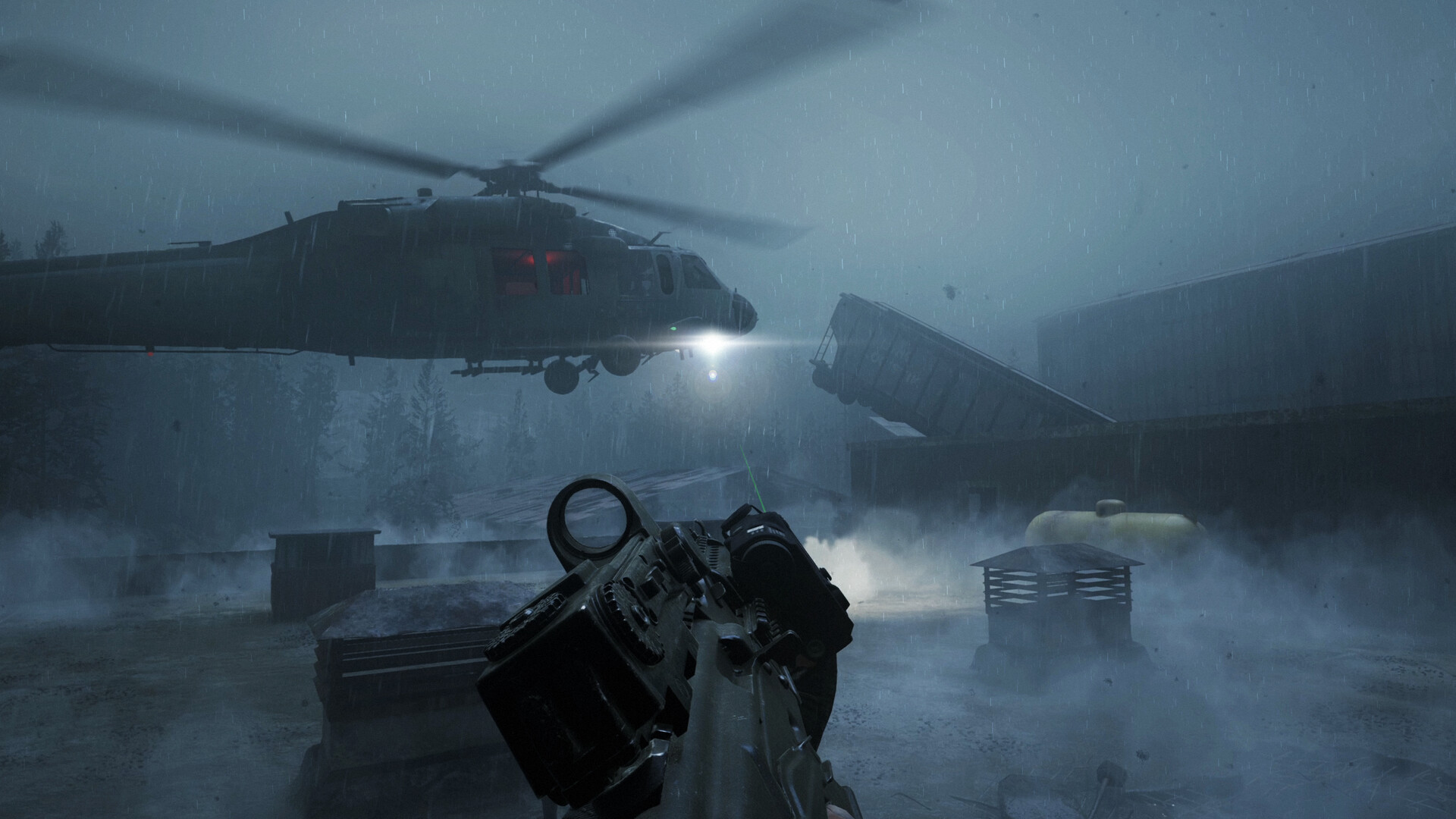 Extraction landing zoneOfficial Steam screenshot
Public game media stored locally for contextual independent coverage.
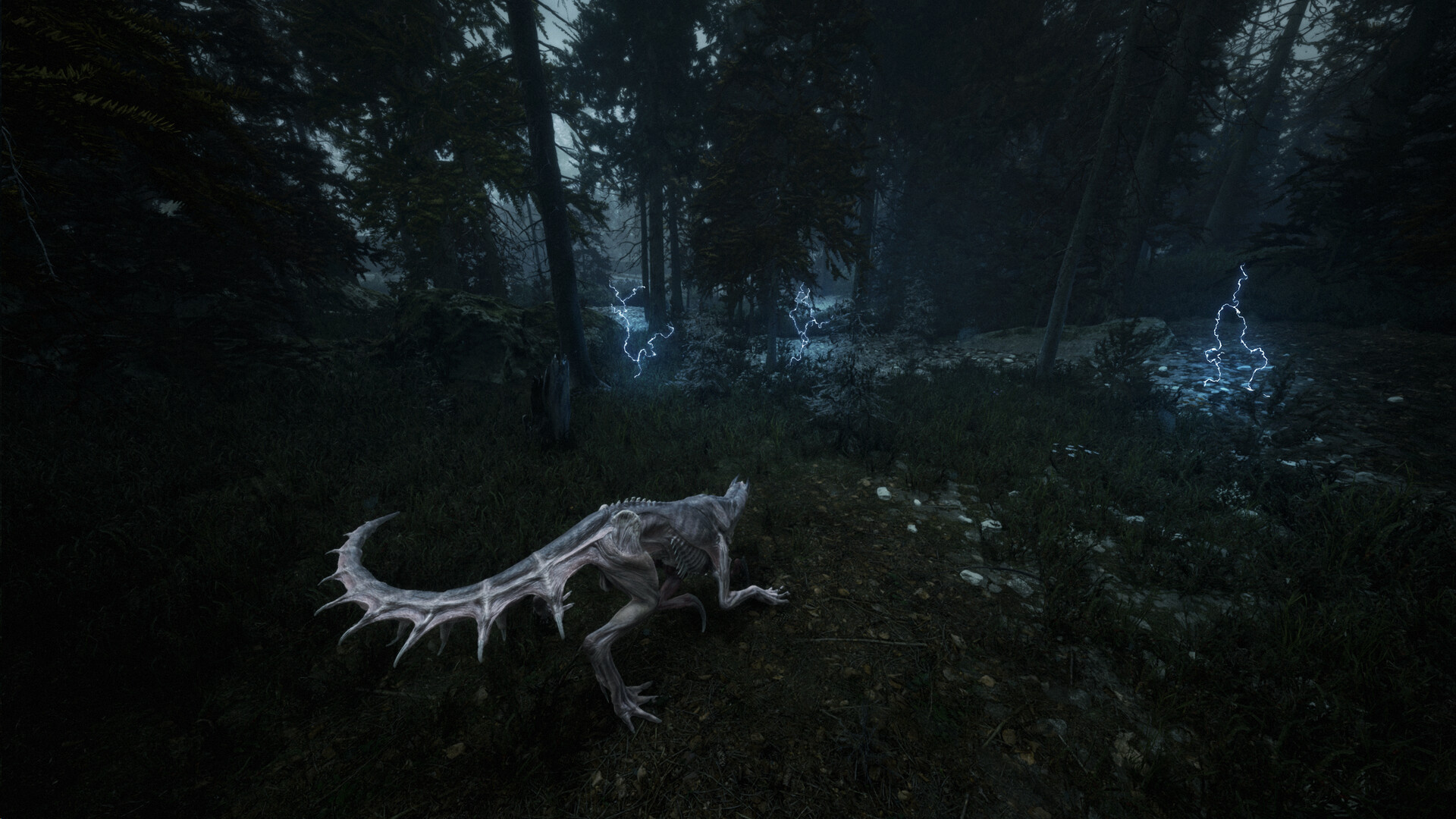 Low-light operator movementOfficial Steam screenshot
Public game media stored locally for contextual independent coverage.
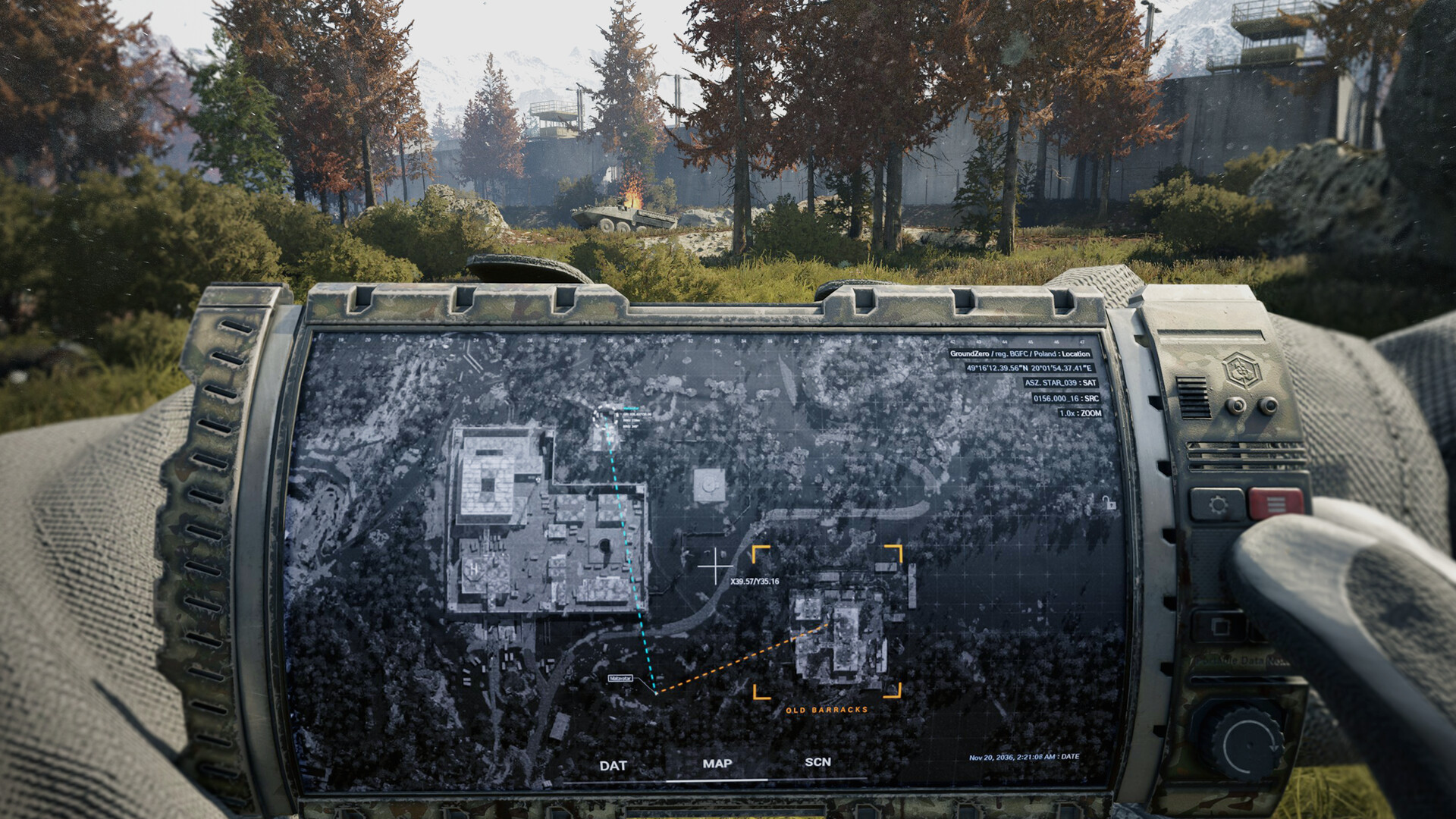 Anomaly pressure sceneOfficial Steam screenshot
Public game media stored locally for contextual independent coverage.
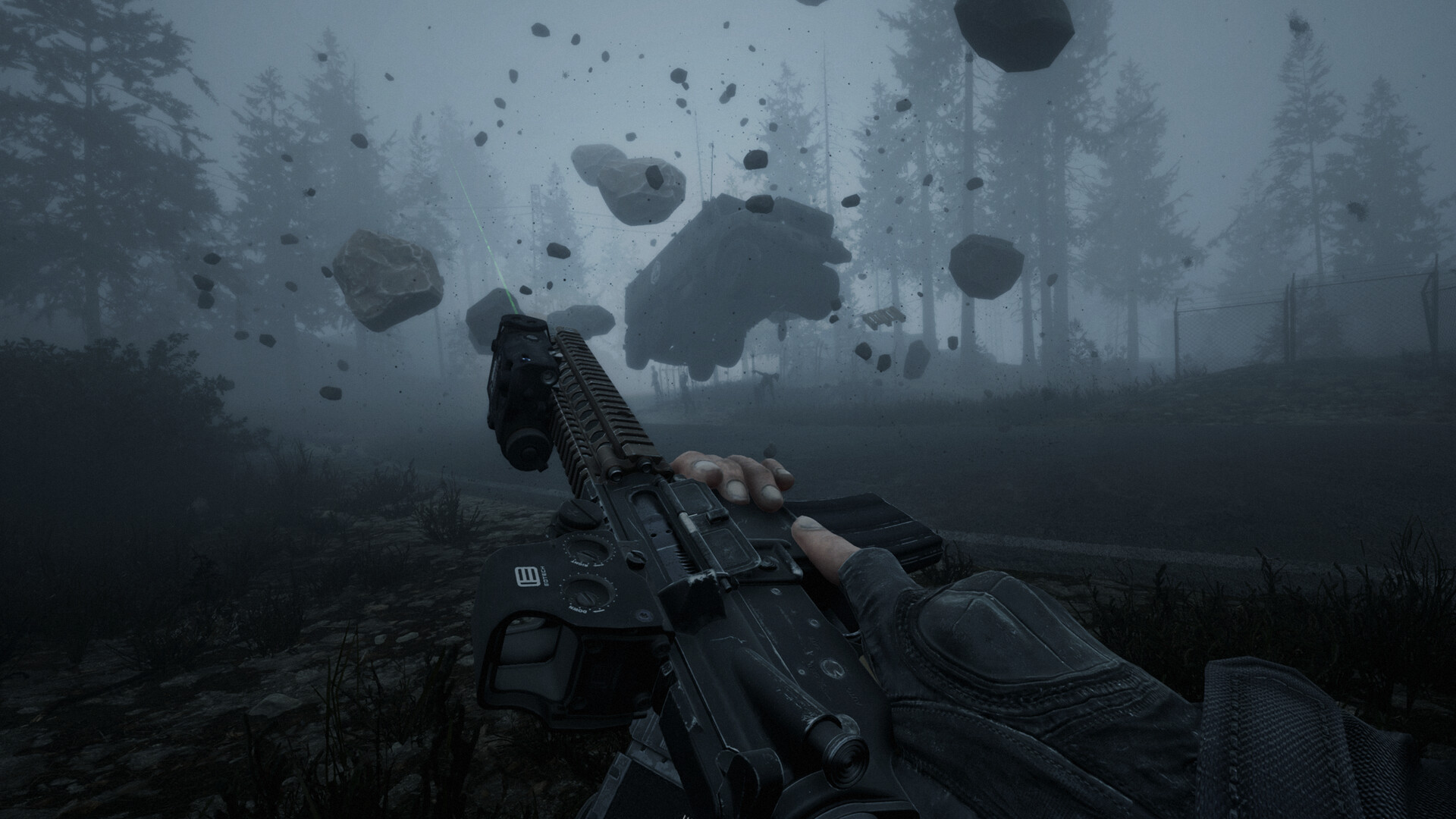 Hostile interior routeOfficial Steam screenshot
Public game media stored locally for contextual independent coverage.
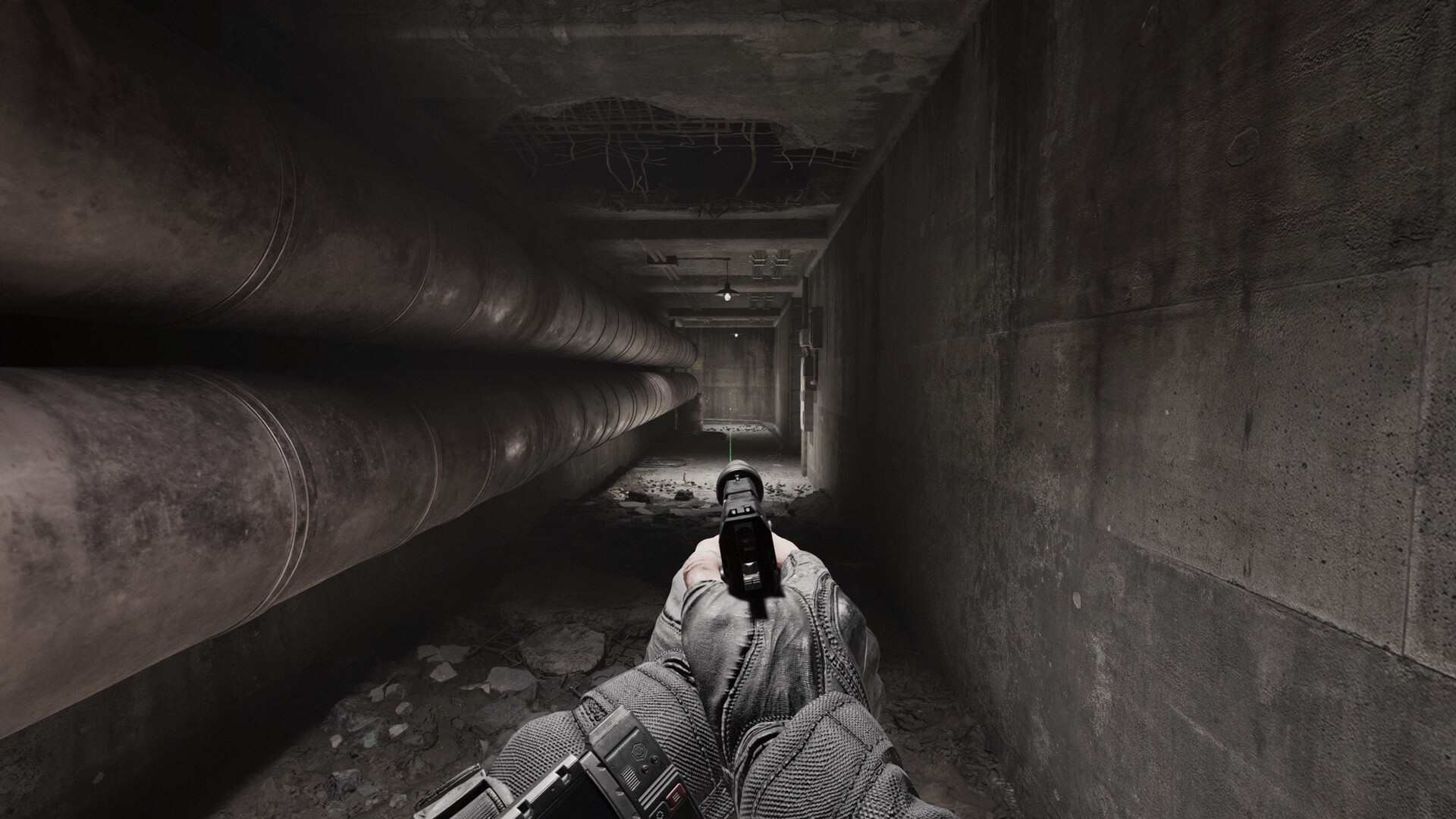 Tactical squad approachOfficial Steam screenshot
Public game media stored locally for contextual independent coverage.
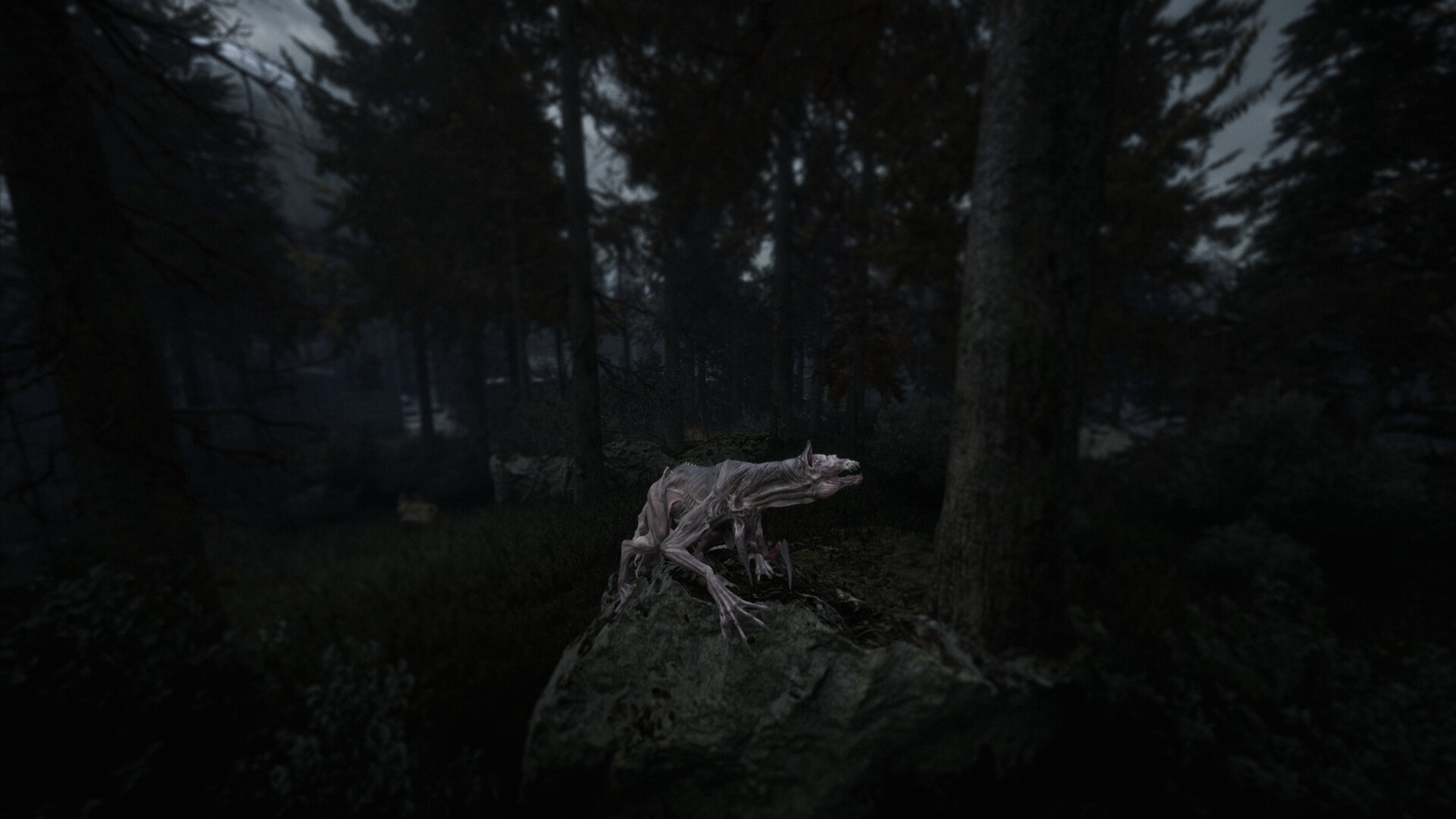 Artifact-zone atmosphereOfficial Steam screenshot
Public game media stored locally for contextual independent coverage.
Best official page for release window, screenshots, tags, and Early Access wording.
Secondary PC storefront reference for platform availability.
FAQ
Is Beautiful Light Demo Playtest Tracker official?
No. This is an independent fan guide page based on public sources and editorial analysis; it is not an official page.
When will this page be updated?
When official pages, store listings, public videos, demos, or launch builds add stronger evidence.
Where should I verify facts?
Use the Resources and Source Tracker pages before relying on release, platform, or feature claims.